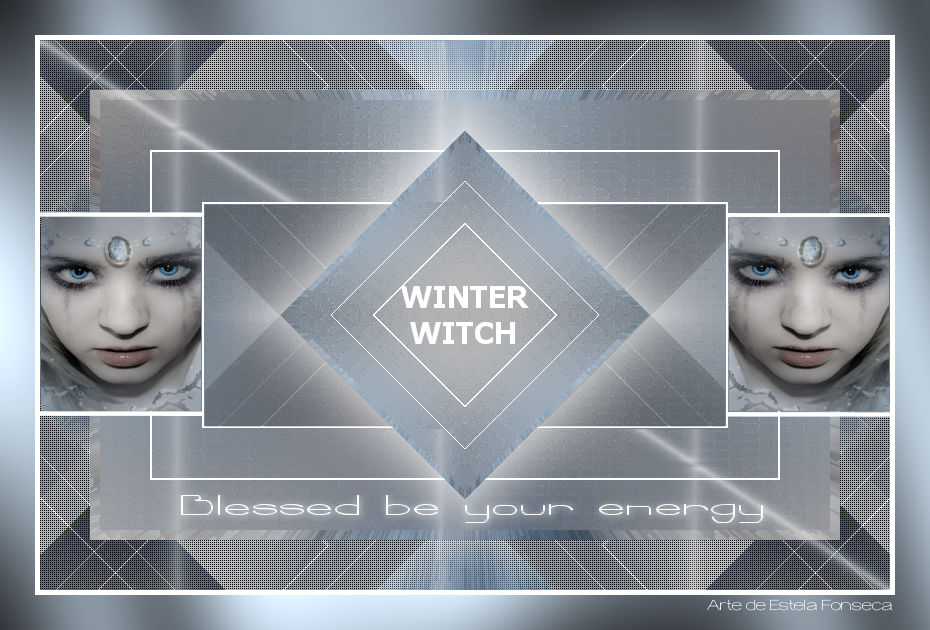
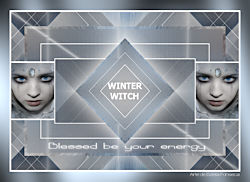
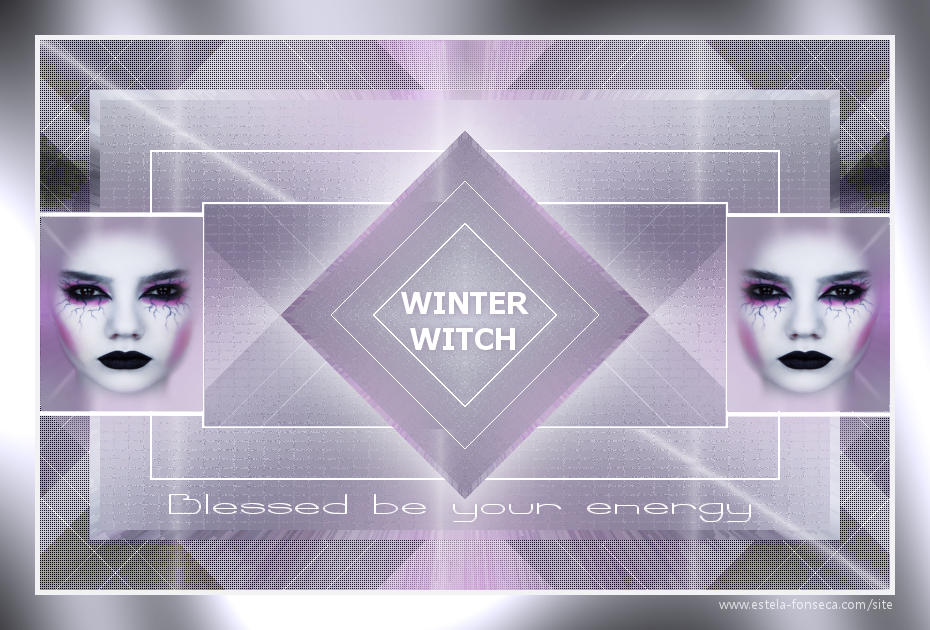
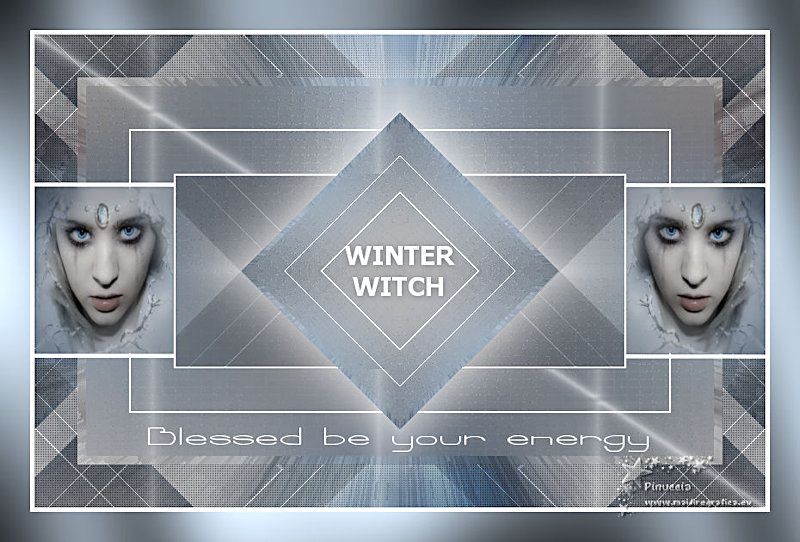
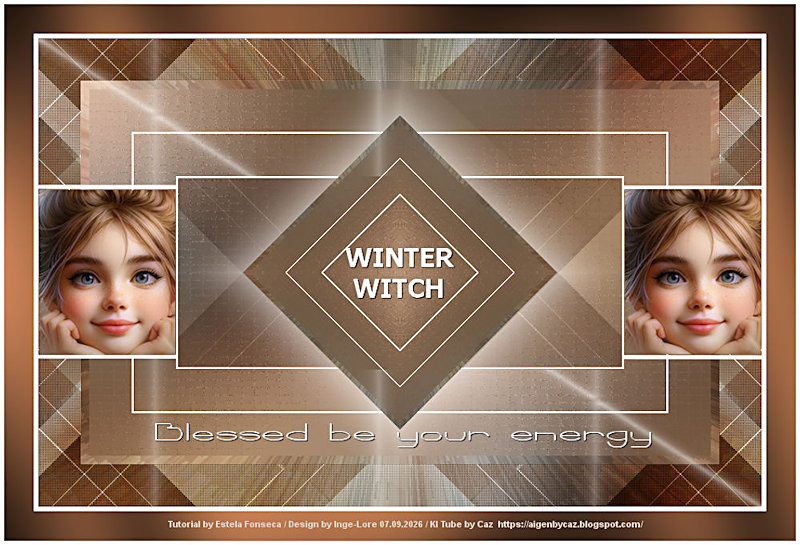
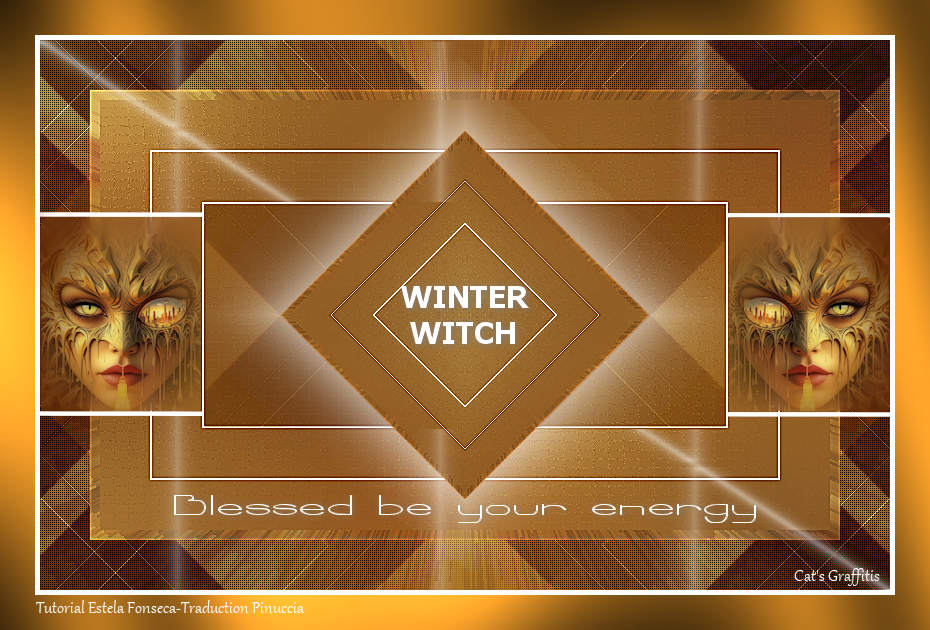
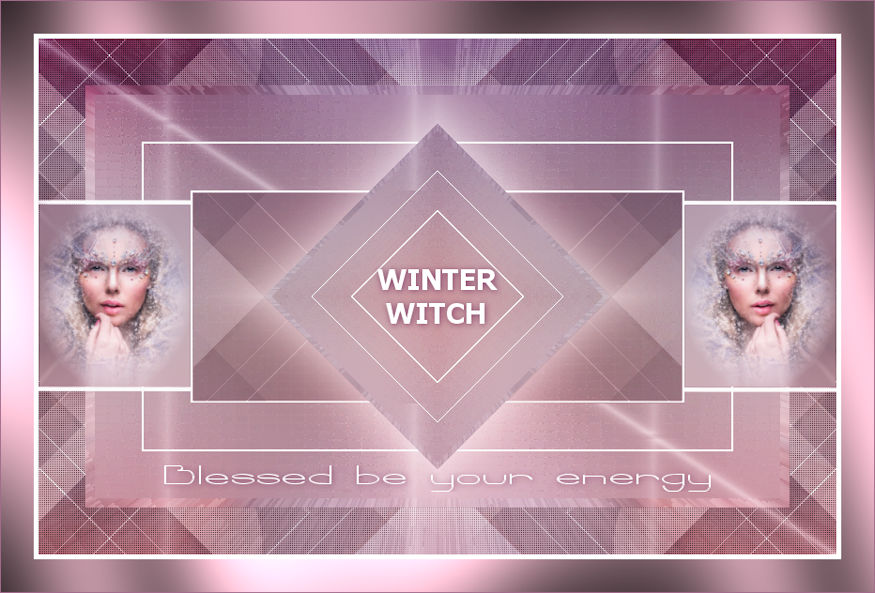
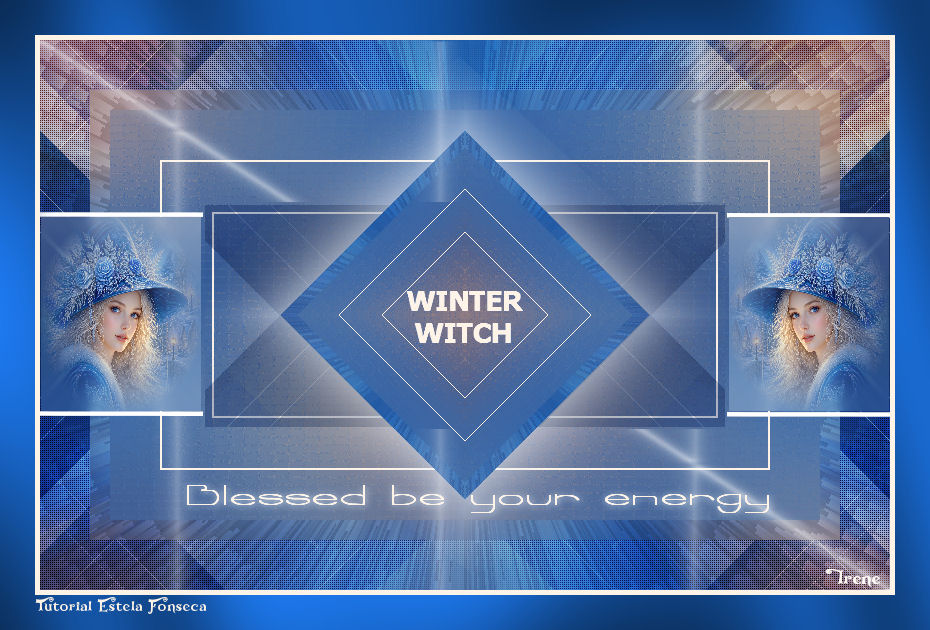
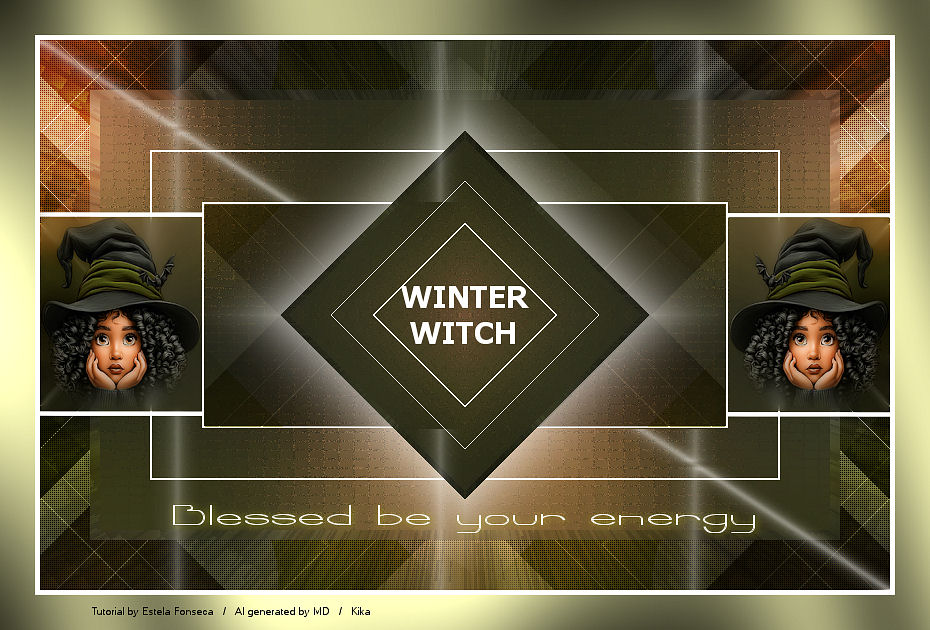
winter witch


Agradeço as Tradutoras.
Material Necessário:
O tube utilizado aqui é de Kikirou.
**
Agradeço por me permitir usar suas lindas criações (Mask e Tubes e afins)
Não altere o nome nem remova a marca d'água.
Não compartilhe em grupos ou ofereça-os em seus sites, blogs etc ...
Seu uso nos tutoriais está sujeito a autorização dos autores.
**
Plugins Utilizados:
Graphic Plus / Cross Shadow
Italian Editors Generatore / Pattern Petali
Simple / Diamond
Simple / 4 Way Average
Simple / Top Left Mirror
AP Lines / Lines-Silverlining
Simple / Left Right Wrap
Xero / Porcelain
Preparação:
Abra o tube no PSP, duplique e feche o Original.
Copie a seleção para a pasta de seleções do PSP.
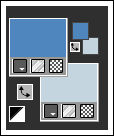
Primeiro Plano cor #4f86be
Segundo Plano cor #c4d5df
01 - Abra uma imagem transparente de 850 x 550 pixel
Preencha com a cor do Primeiro Plano
Selections / Select All
02- Copie o tube « kikirou1202_WinterWitch_by_jensingleton» e cole na seleção
Selections / Select None
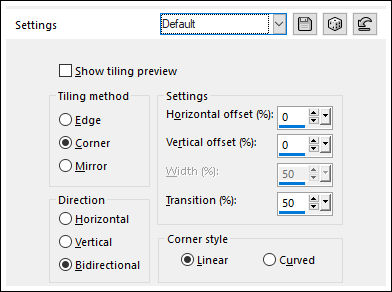
03- Effects / Image Effects / Seamless tiling /Default
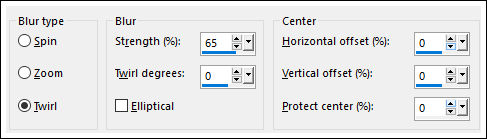
Adjust / blur / Radial blur:
04- Effects / Edge Effects / Dilate
Effects / Edge Effects / Enhance
05- Layers / Duplicate
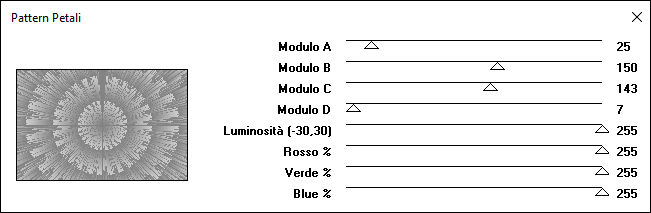
Effects / Plugins / It@lian Editors Generatore / Pattern Petali
06- Blend Mode / Overlay
Opacidade / 42
Layers / Merge / Merge Visible
07- Selections / Select All.
Selections / modify / contract / 50 pixels
08- Selections / Promote Selection to layer
Selections / Modify / Contract 10 Pixels
09- Adjust / Blur / Gaussian Blur / Radius 50
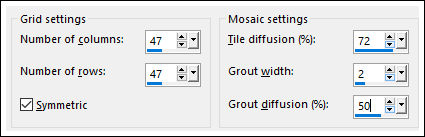
Effects / Texture Effects / Mosaic Antique
10- Selections / Modify / Contract 50
Layers / New raster layer
11- Preencha com a cor branca (#ffffff)
Selections / Modify / Contract 2 pixels
Delete no teclado.
12- Selections / Modify / Contract 50 Pixels
Preencha com a cor #ffffff
Selections / Modify / Contract 2 pixels
Delete no teclado
Selections / Select None
13- Layers / Merge / Merge Down
Layers / Duplicate
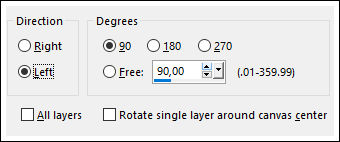
Image / Free Rotate:
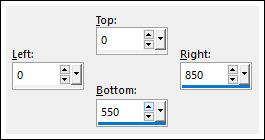
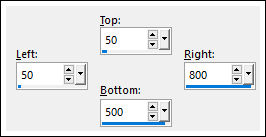
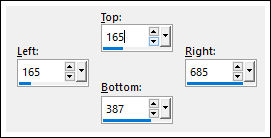
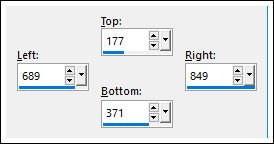
14- Selection Tool (S) / Custom Selection:
Image / Crop to Selection
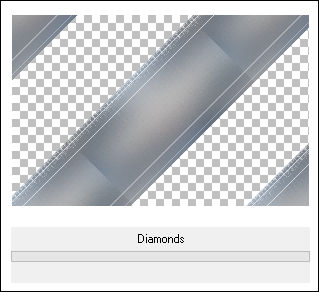
Effects / Plugins / Simple / Diamond
Layers / Arrange / Move Down
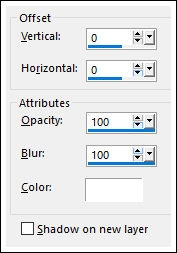
15- Effects / 3D Effects / Drop Shadow:
Layers / Duplicate
Layers / Arrange / Bring to top
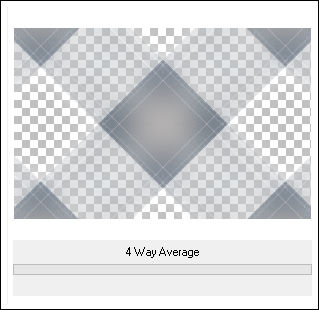
16- Effects / Plugins / Simple / 4 Way Average
Selection Tool (S) / Custom Selection:
17- Edit / Cut ( essa imagem será cortada e gravada na memória)
Selection Tool (S) / Custom Selection:
18- Cole como nova layer ( a imagem está gravada na memória)
Selections / Invert
Delete no teclado
Selections / Select None
Blend Mode / Multiply
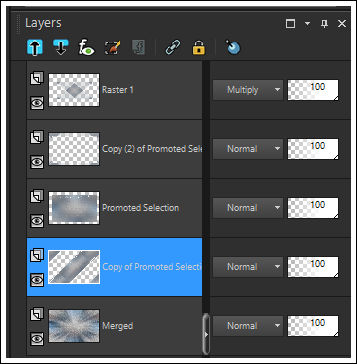
19- Ative a Layer « Copy of Promoted selection»
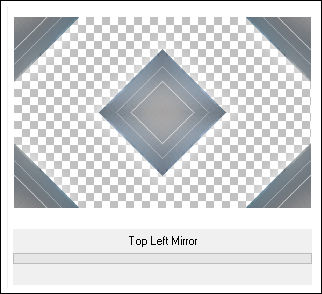
Effects / Plugins / Simple / Top Left Mirror
Layers / Arrange / Bring to top
20- Selections / Load save selection / Load selection from disk: Winter_Witch_1_EF
Delete no Teclado
Selections / Select None
21- Ative a Terceira Layer à partir da layer do topo (Copy (2) Promoted Selection)
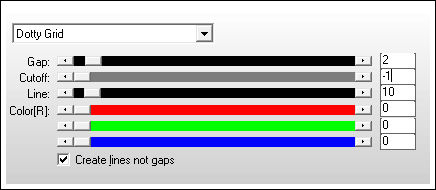
Effects / Plugins / AP Lines / Lines-Silverlining / Dotty Grid
Blend Mode / Overlay
Opcional: layers / Duplicate
Blend Mode / Multiply
22- Ative a Layer do topo
Layers / Duplicate
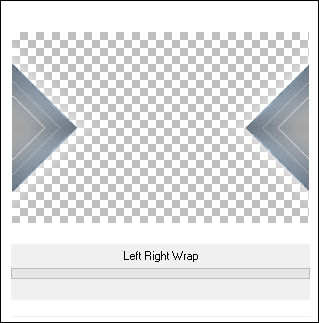
Effects / Plugins / Simple / Left Right Wrap
Layers / Arrange / Send to Bottom
Layers / Arrange / Move Up
Blend Mode / Multiply
23- Ative a Layer do Topo
Ative o tube «Deco-1» Copie e Cole como nova layer
Layers / Merge / Merge Visible
Selection Tool (S) / Custom Selection:
24- Selections / Promote selection to Layer
Adjust / blur / Radial blur:
Ative o tube « kikirou1202_WinterWitch_by_jensingleton» copie e cole na seleção
Selections / Select None
25- Layers / Duplicate
Image / Mirror / Mirror Horizontal
Layers / Merge / Merge Down
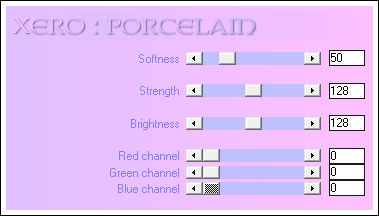
Effects / Plugins / Xero / Porcelain
26- Image / Add Borders / Symmetric Marcado / 5 pixels cor #ffffff
Selections / Select All
Image / Add Borders / Symmetric Marcado / 35 pixels cor #919eaa
Selections / Invert
27- Effects / Plugins / Graphic Plus / Cross Shadow / Default
Selections / Select None
28- Ative os tubes de Texto «Texto-1» e «Texto-2» Copie e cole como nova layer
Posicione como no modelo, do topo desta página.
Effects / 3D Drop Shadow: 1 / 1 / 100 / 11,00/ Cor do fundo da tag.
29- Assine seu trabalho
Layers / Merge / Merge All.
Salve como jpg.
Versão com tube de Mentali:
Clo:
AngelaC:
Pinuccia:
Inge-Lore:
Cat's Graffitis:
Celine:
Daniella:
Diane:
Feya:
Irene:
Kika:
Li:


©Tutorial criado por Estela Fonseca em 16/10/2014.
Não alterar nem repassar sem autorização.